
Home / Digital dentistry
Send the scan. Skip the impression.
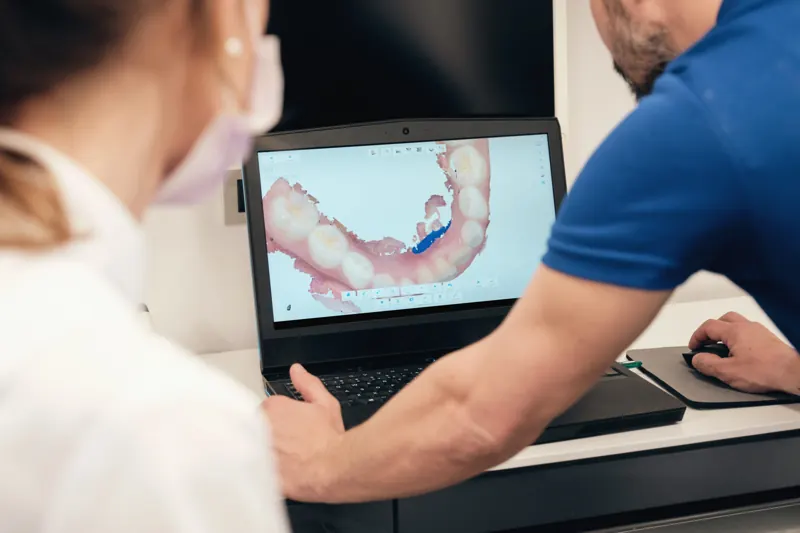
Connect your intraoral scanner to our lab once, and every case after that is a few clicks: faster, more accurate and lower cost than a physical impression.
Supported systems
We take scans from the systems you already own.
Link your scanner software to our lab and transmit the data we need to start your case, right from the operatory.
Connecting your scanner
A one-time link, then every case is a few clicks.
Each system links to a lab from its own online account or lab directory. Once we are connected, you choose Wisdom Dental Labs on the order form and send. Menu names change between software versions, so if anything looks different, call 402-500-0102 and our digital team will walk your staff through it on the phone.
iTero
Add Wisdom Dental Labs as a lab in your iTero account. After that, we appear in the lab list on the Rx form inside the scanner software.
3Shape TRIOS
Connect to us as a lab through your 3Shape online account. Once the connection is accepted, select us as the lab on the TRIOS order form.
Dentsply Sirona Connect
Find Wisdom Dental Labs in the Connect Case Center lab directory and add us to your labs. Then choose us when you send the case.
Carestream
Use Carestream's lab connection service to add us. Once linked, select us as the destination lab when you export the case.
3M True Definition
Add us as a lab in the 3M connection portal, then pick Wisdom Dental Labs when you submit the case.
Scan checklist
What makes a scan we can build on.
Many digital remakes trace back to a margin the scan did not capture. These checks take a minute at the chair and save a second appointment.
- Margins clear and dry. Retract, control bleeding and capture the full 360° before you move on
- Adjacent teeth and contacts scanned fully on both sides
- The full opposing arch, not just the opposing quadrant
- A bite scan taken in maximum intercuspation with both sides captured
- For implants, the scan body fully seated and matched to the system and platform
- Before you send, check the prep in the review screen for gaps, distortion or pulled-through tissue
- The Rx filled in fully on the scanner form, including shade and material, or lab to advise
Why digital
Fewer adjustments. Less chair time.
Shorter turnaround
No impression in transit. Your case data reaches the lab the moment you send it.
Better accuracy
Digital impressions give more precision and predictability than traditional methods, so restorations need fewer adjustments.
Lower cost
Fewer materials, nothing to ship and fewer adjustments keep costs down across your schedule.
Onboarding
Our digital team gets your office set up.
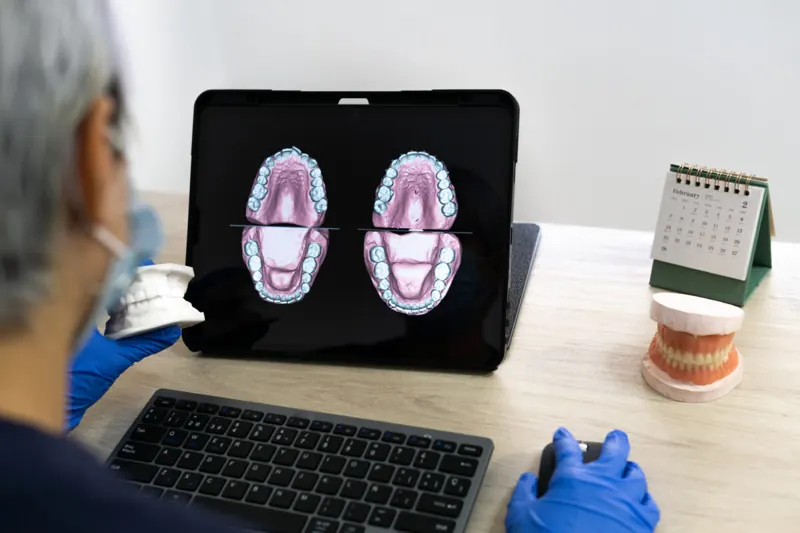
Our digital team is trained on every system we support. We will help you connect, and we are glad to work with your staff to get more out of the scanner you already have.
- Scanner-to-lab connection setup
- Help for your team on scanning technique and case submission
- CAD/CAM design and precision milling
Send your first digital case.
Once your scanner is connected, choose Wisdom Dental Labs as the lab and send. We confirm receipt and keep you updated.